
Edit the format of the address
By default with the localization i set for my company, addresses are displayed like this picture bellow:

First, you need to enable developper mode through settings, and go to the menu contact -> Configuration -> localization -> countries.
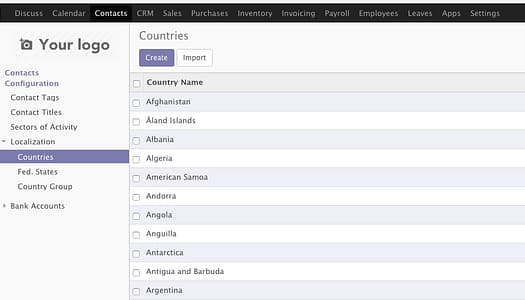
Select the country you set on your company settings and click edit.

Edit and change the format as your convenience.

And here the result.

Edit the format of header/footer
Settings are available through the menu: Settings -> General settings -> Document template section:

You will be able to customize logo, text position here, click edit and modify the structure as your convenience.


